

Survey Optimizer Mobile App
Designed to streamline the data collection and reporting requirements of the entire survey process.
You can use the application for virtually any facility survey including: HCAHPS Patient Satisfaction, Environment of Care Rounds, Safety and Emergency Management, and Environmental Services Quality Assurance.

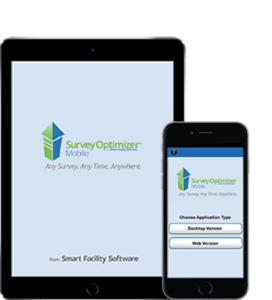
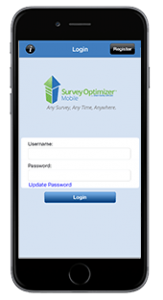
This graphic shows Survey Optimizer. Since this is a companion application, you must first have obtained a license for the desktop web application. Then you can conduct surveys anywhere and at any time, and move the data directly to the web-based database for reporting purposes.
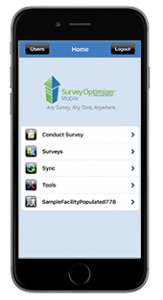
Here we see the main menu for the Survey Optimizer Mobile App. We can start a new survey, sync our data, access previous surveys, or modify our settings from this screen.
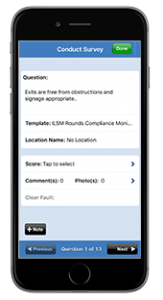
This screen shows how we score in a survey. In this view, we are scoring each question individually. In the Survey Optimizer Mobile App you can also setup your own scoring system, either True/False or numeric formats. You can also add comments for any discrepancies you have found.
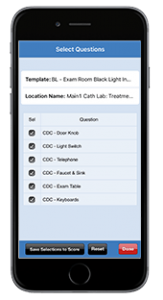
This screen also shows how we score in a survey. In this view, we are scoring questions in a list view. In Pocket Survey Tool Mobile App you assign your own questions to a survey template. You can also control who performs the survey and assign it to a pre-defined location.